Another video I worked on where I experimented with Adobe Premiere Pro.
I filmed another video, but I relied on doing different filming shots.
I made a video where I did a short interview with Heather McKendrick, a mentoring coordinator at Arizona State University’s Student Accessibility and Inclusive Learning Services (SAILS for short). Within the duration of the video, she answers questions like why she wanted to become a mentoring coordinator at ASU, asking her if she ever worked with people on the autism spectrum, and what she does to help people on the spectrum whenever they’re struggling with something. Her answers are both really creative and really insightful and they give me a good perspective as to what it is like to work with people on the spectrum.
Here is my explainer video. In this video, I’m going to teach you on how to make a simple tortilla sandwich using the ingredients I have. Now, the thing about making a tortilla sandwich is, you can make it HOWEVER you want with WHATEVER ingredients you fancy, but I’m showing you a more simplified and basic way to make a sandwich. It’s up to you as to what ingredients you wish to choose for your own tortilla sandwich. No matter the meat, no matter the vegetables/leafy greens, no matter the cheese, or anything else whatsoever! I hope you enjoyed watching this basic tutorial! Bon appétit!
Here displayed above are two videos of different experimentations in Adobe After Effects. The first one is a text animated sequence, while the second one is a show open.
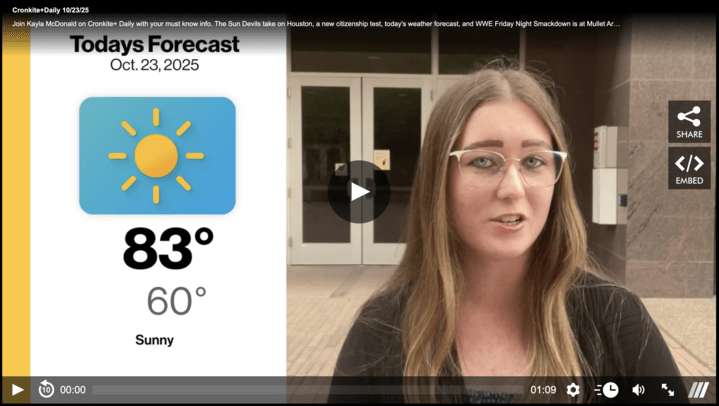
Here displayed above is a video I made for Cronkite News’ Cronkite+ app with the help of classmates Kayla McDonald and Bobby Bluke.

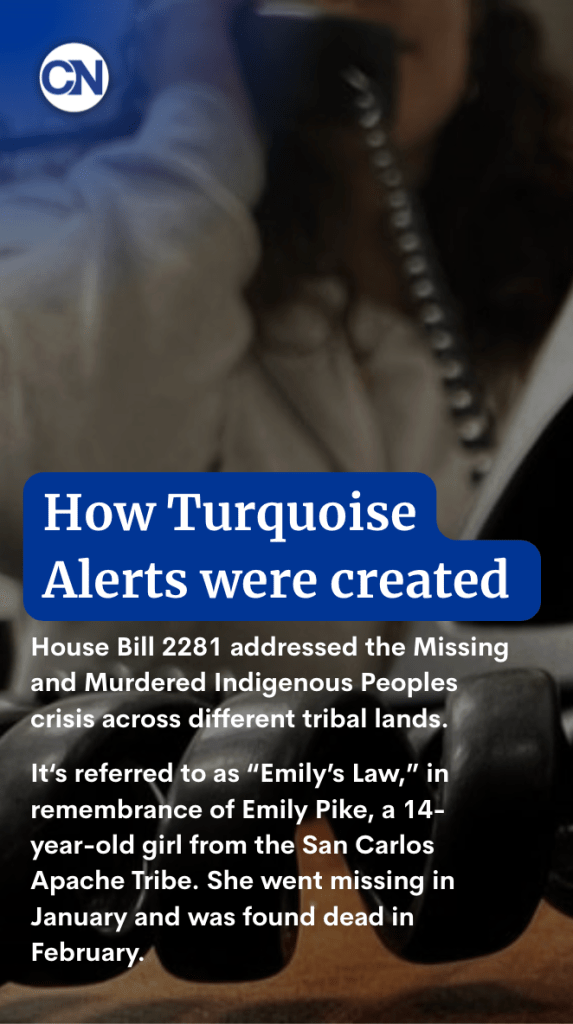
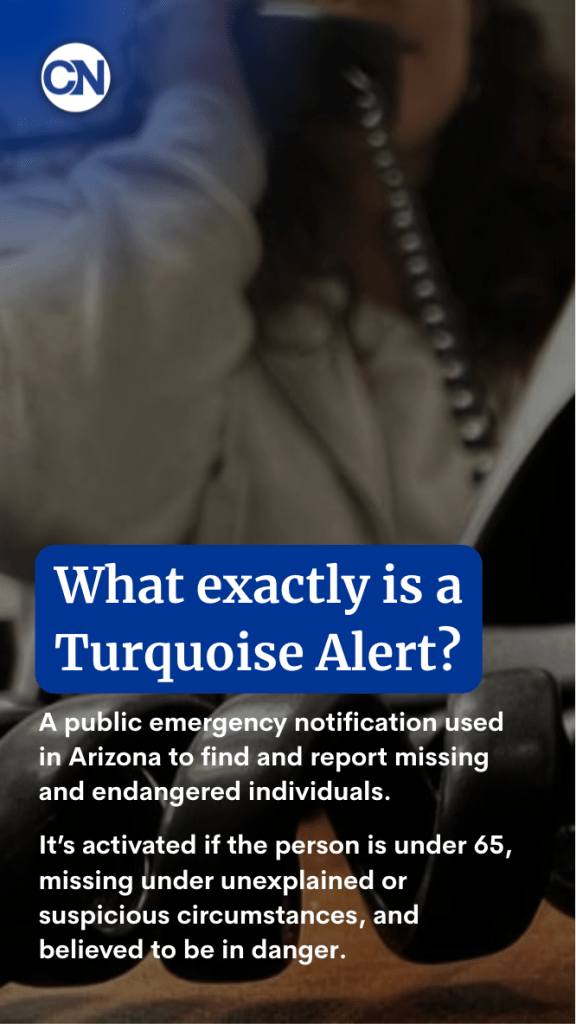

I got to work on an Instagram story for Cronkite News’ Instagram page where I created a social post using Canva to edit the graphics.

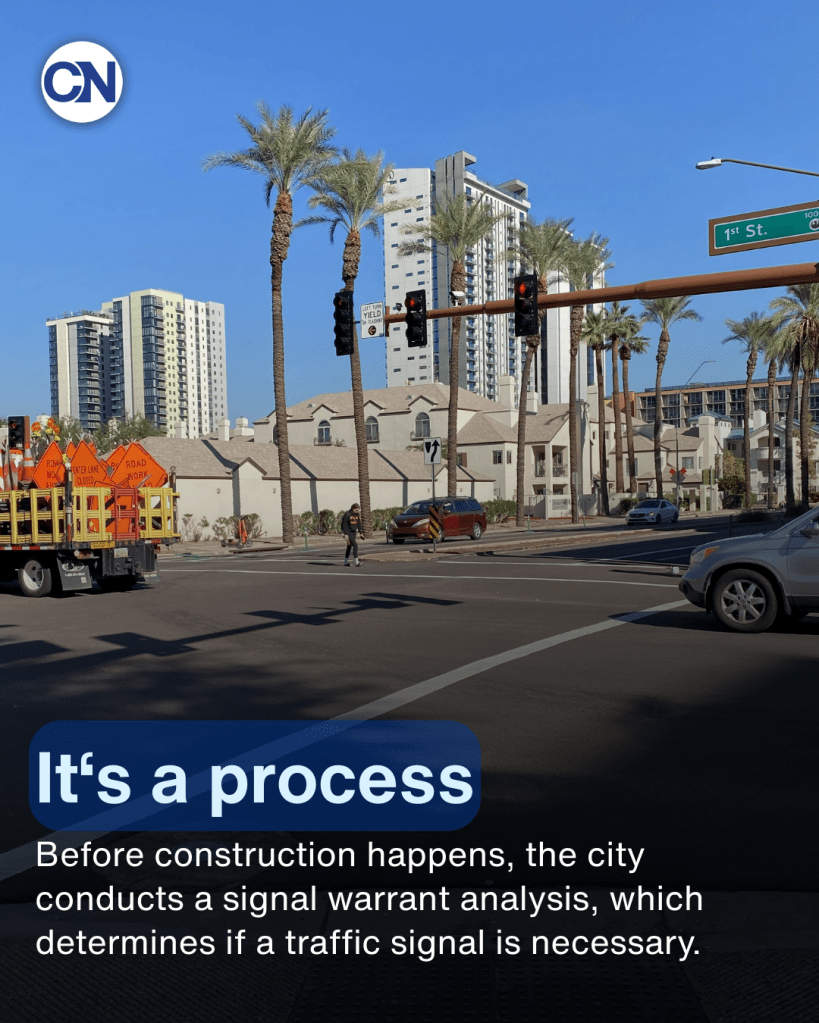


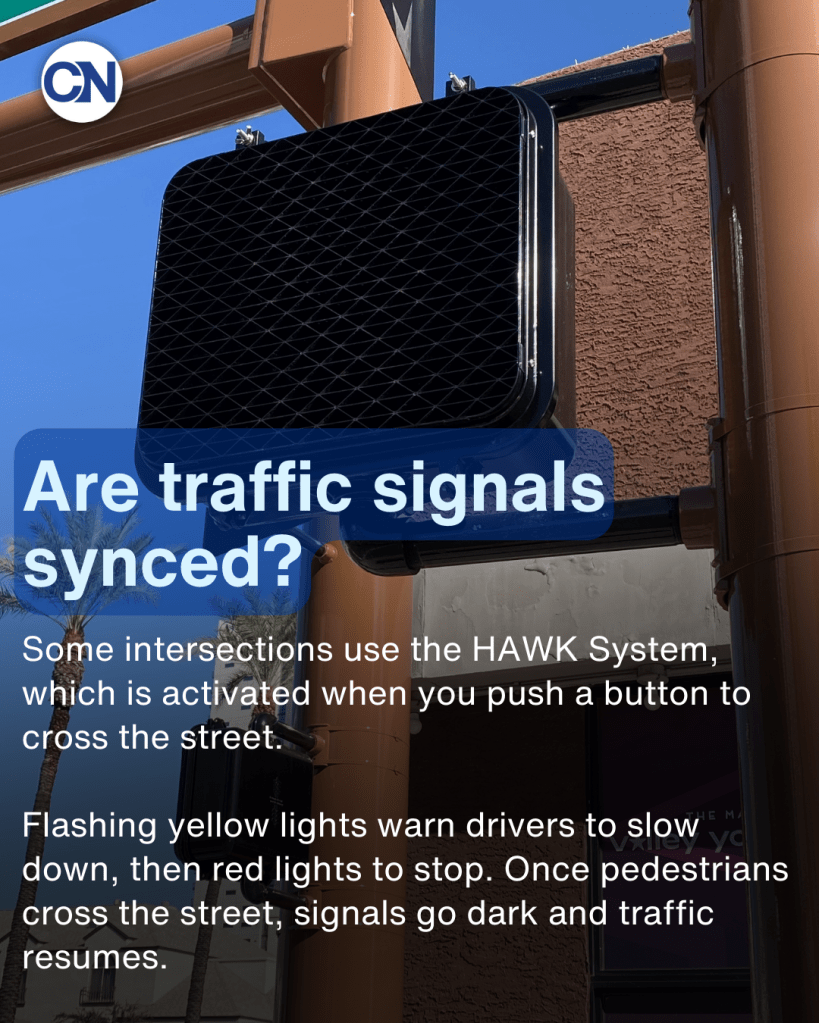

I used Canva again when I had to work on my second social media post which was final project for Cronkite News where I edited both the text and the pictures I took.
 Elizabeth Sedlak